Locking Your Digital Front Door: Secure Routers for 2026
In today's landscape, the line between home and office doesn't just blur—it's practically gone. A basic ISP router might be fine for streaming movies, but it's a weak link when you're handling sensitive business data. Modern security requires hardware that acts as a firewall, VPN gateway, and network monitor all in one.
1. ASUS RT-AX86U Pro (The All-Rounder)
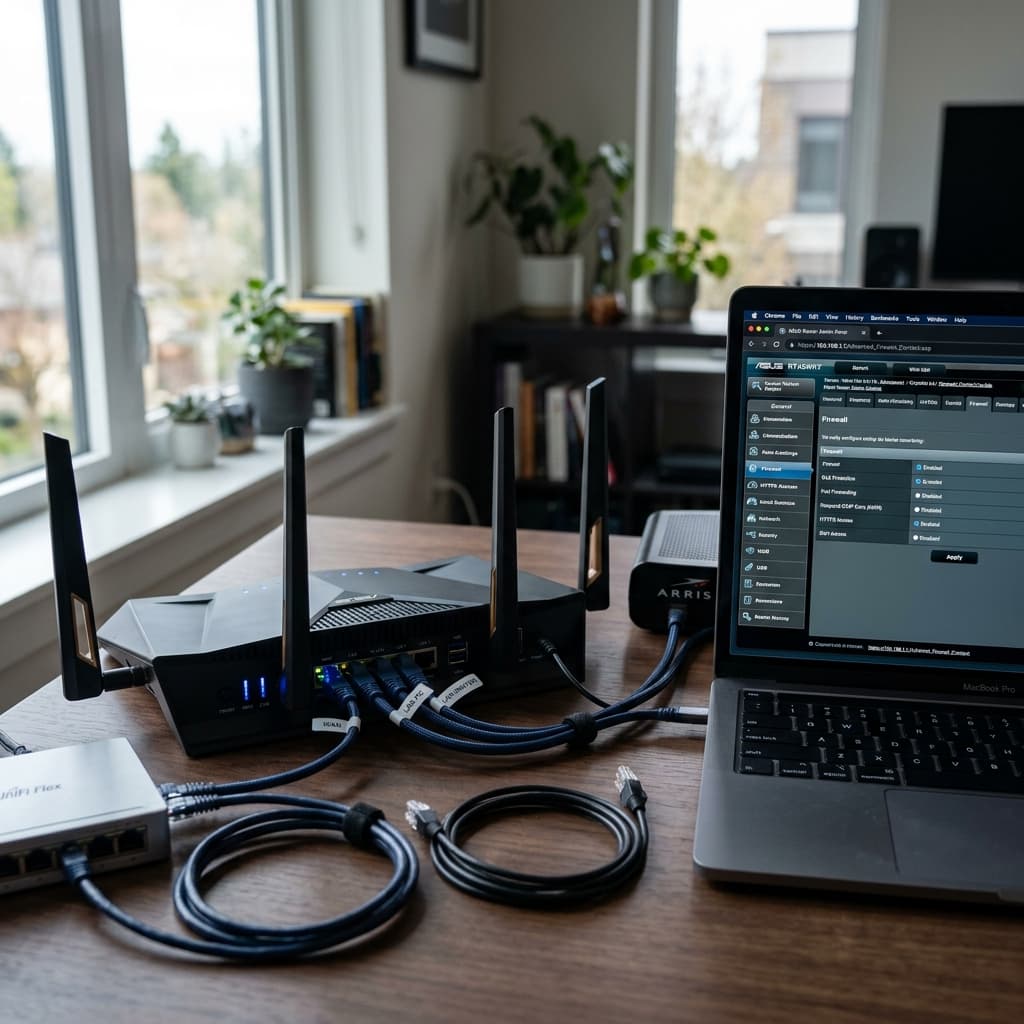
ASUS continues to lead for the average home office. Their 'AiProtection Pro' is built in for the life of the product, offering enterprise-grade filtering powered by Trend Micro. It's especially effective at blocking malicious sites and preventing infected devices from communicating with the internet. It's a 'set and forget' solution that works for most users.
2. Synology WRX560 (Granular Management)
If you like seeing exactly what's happening on your network, Synology's SRM interface is the best in the business. It treats your network like a server, giving you real-time bandwidth monitoring and the ability to set military-grade traffic rules from a desktop-class interface. It's a power user's dream without being overwhelming.
3. GL.iNet Flint 2 (The Privacy Choice)
For those who prioritize encrypted traffic above all else, the Flint 2 is unbeatable. It runs on OpenWrt, allowing for deep customization, and natively supports WireGuard at high speeds. It's perfect if you want your entire home office to stay encrypted without the massive speed penalty associated with older protocols.
Quick Security Checklist
Regardless of which hardware you choose, always ensure three things: WPA3 support is active for stronger encryption, automatic firmware updates are enabled to patch zero-day exploits, and your guest network is isolated so guests can't see your work files.