Micro-Segmentation: Isolating the "Untrusted" Internet of Things (IoT)

The fundamental flaw in traditional home network design is the "flat" architecture. Learn why micro-segmentation and VLANs are mandatory for isolating IoT devices.
CyberNest participates in various affiliate programs. If you purchase through our links, we may earn a small commission at no extra cost to you.
Micro-Segmentation: Isolating the "Untrusted" Internet of Things (IoT)
The fundamental flaw in traditional home network design is the "flat" architecture. In this setup, every connected device—from your primary work laptop to a $15 unbranded smart bulb—resides on the same subnet. This configuration facilitates "lateral movement," where an attacker who compromises a single vulnerable device can scan, probe, and attack every other system in the home. As we move into 2026, the proliferation of Internet of Things (IoT) hardware has made this flat design a catastrophic risk.
The IoT Achilles' Heel: Why Isolation is Mandatory
IoT devices are notoriously insecure for several documented reasons:
- ◆ Neglected Firmware Lifecycles: Many manufacturers abandon devices just a year after launch, leaving them unpatched against modern exploits like those found in the Mirai botnet variants.
- ◆ Predictable Configurations: Devices often ship with hardcoded passwords or exposed management interfaces (Telnet/SSH) that hackers can scan for in seconds.
- ◆ Data Exfiltration: Some devices are designed to "phone home" with usage data via unencrypted channels, providing a window into your daily habits.
The Philosophy of Network Isolation
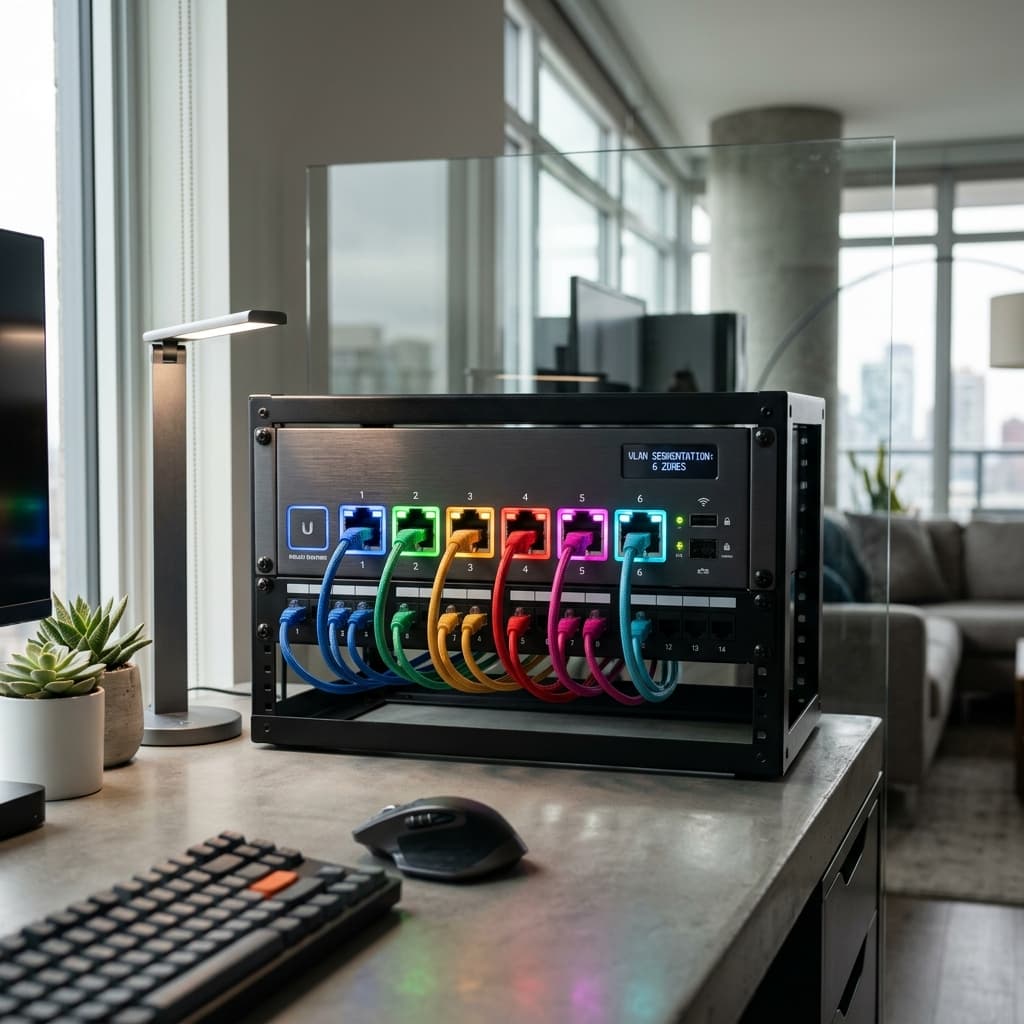
The solution to lateral movement is micro-segmentation, primarily achieved through Virtual Local Area Networks (VLANs). A VLAN allows you to create separate logical networks using your existing physical infrastructure. Devices on different VLANs cannot communicate with each other unless you explicitly create a firewall rule to allow it.
The Standard 2026 Home Architecture A resilient modern home should be segmented into at least four distinct zones:
| Segment Name | VLAN ID | Intended Devices | Access Rules |
|---|---|---|---|
| Private/Trusted | 10 | Work PCs, Laptops, NAS, Personal Phones | Full internet; access to all other VLANs. |
| IoT/Untrusted | 20 | Smart bulbs, Plugs, TVs, Appliances | Internet only; blocked from Trusted VLAN. |
| Security | 30 | IP Cameras, NVR, Security Controllers | Isolated from internet; one-way access to storage. |
| Guest | 40 | Visitor smartphones and tablets | Internet only; "Client Isolation" enabled. |
Implementing Firewall Logic for "Established" Connections
Isolation is only effective if your firewall is configured with "stateful" rules. A common mistake is blocking all traffic, which breaks functionality (e.g., you can't control your smart lights from your phone). Instead, use the following logic:
- ◆ Allow Established/Related: Permit traffic from the IoT VLAN to the Trusted VLAN only if the connection was initiated by a trusted device first.
- ◆ Block New from IoT: Explicitly drop any attempt by an IoT device to start a new connection with a trusted computer.
The mDNS Challenge: Solving "Casting" Issues VLANs naturally block discovery protocols like mDNS (Bonjour) used by AirPlay, Chromecast, and Spotify Connect. To fix this without compromising security, you must enable an mDNS Reflector or Avahi service on your router. This allows the discovery "pings" to cross VLANs while keeping the actual data flow restricted by your firewall rules.
About CyberNest Expert
Our editorial team has over a decade of hands-on experience in cybersecurity research and vulnerability testing. We aim to provide unbiased, expert advice to help you navigate the digital landscape safely.