Routers & Network Security/Expert Guide

Wireless Fortification: Why WPA3-SAE is Your Baseline for 2026

CyberNest Expert
2026-04-05
9 min
Wireless Fortification: Why WPA3-SAE is Your Baseline for 2026
Advertisement
Ad Block (0987654321)

Legacy wireless protocols are dangerous liabilities in 2026. Learn why upgrading to WPA3-SAE encryption is critical for securing your private data.

Affiliate Disclosure

CyberNest participates in various affiliate programs. If you purchase through our links, we may earn a small commission at no extra cost to you.

Wireless Fortification: Why WPA3-SAE is Your Baseline for 2026

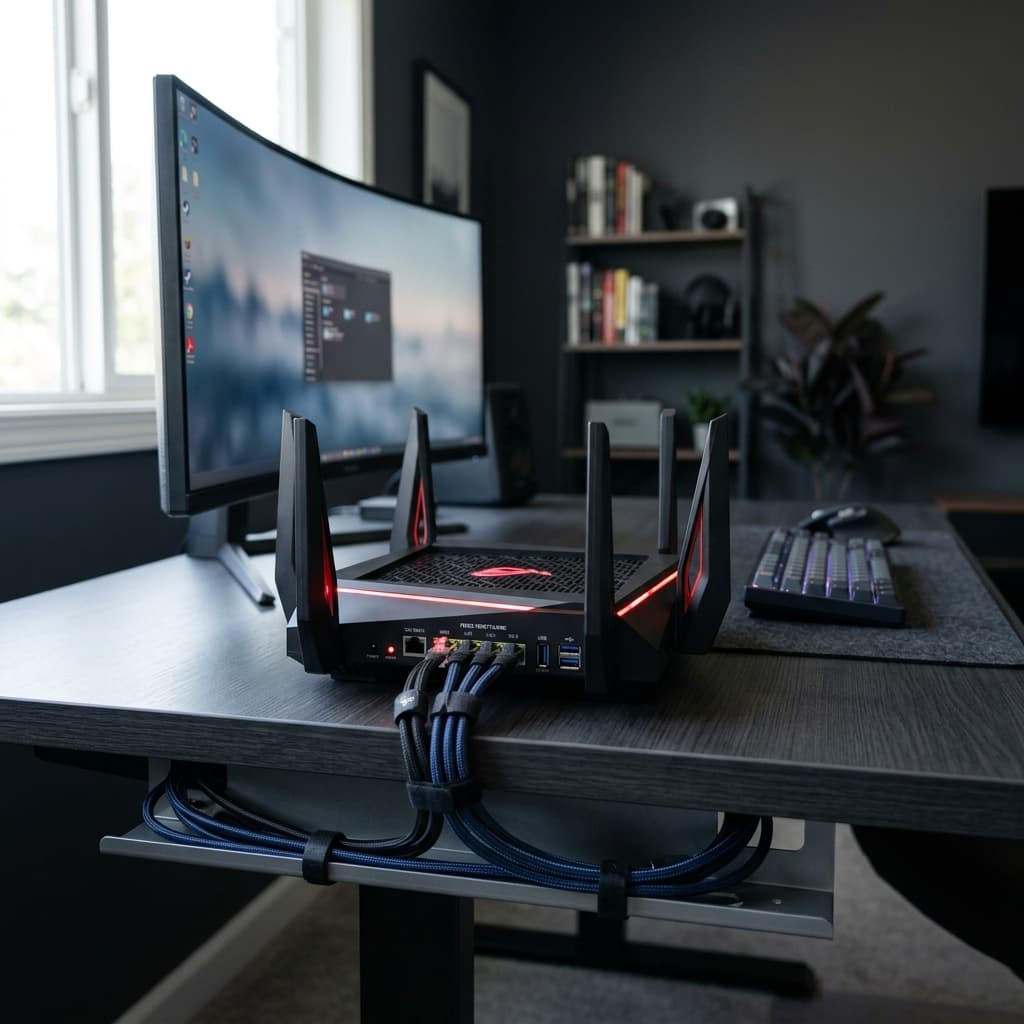
In the modern digital landscape, the wireless signal radiating from your router is more than just a convenience—it is the physical transport layer for your professional and private life. As we navigate the 2026 threat landscape, the computational power available to attackers (often supercharged by AI-driven cracking tools) has turned legacy wireless protocols into dangerous liabilities. To protect a home office effectively, you must transition from a "connection-first" mindset to a "security-first" architecture.

1. The Evolution of the Wireless Shield

To understand why WPA3 is mandatory, we must acknowledge the failures of its predecessors. For over a decade, WPA2 (Advanced Encryption Standard) was the global gold standard. However, it relies on a "four-way handshake" that is vulnerable to the KRACK (Key Reinstallation Attack), which can force a device to reuse encryption keys, allowing an attacker to decrypt traffic.

WPA3-SAE: The New Mandatory Minimum Introduced to fix these structural flaws, WPA3-SAE (Simultaneous Authentication of Equals) is the 2026 requirement for any network handling sensitive data.

  • Immunity to Offline Attacks: In older WPA2 systems, a hacker could capture your "handshake" data from the air and try millions of passwords per second on their own computer at home (an offline dictionary attack). WPA3-SAE requires an active, real-time exchange for every single password attempt, effectively neutralizing automated guessing tools.
  • Forward Secrecy: This is a critical addition for 2026. If an attacker captures your encrypted data today and somehow manages to steal your Wi-Fi password a year from now, Forward Secrecy ensures they cannot go back and decrypt the traffic they captured in the past.
  • Individualized Data Encryption: Even on the same Wi-Fi network, WPA3 can provide unique encryption keys for each individual device, ensuring that if one family member's phone is compromised, the attacker cannot "snoop" on the traffic of other devices in the house.

2. Closing the "Convenience" Backdoors

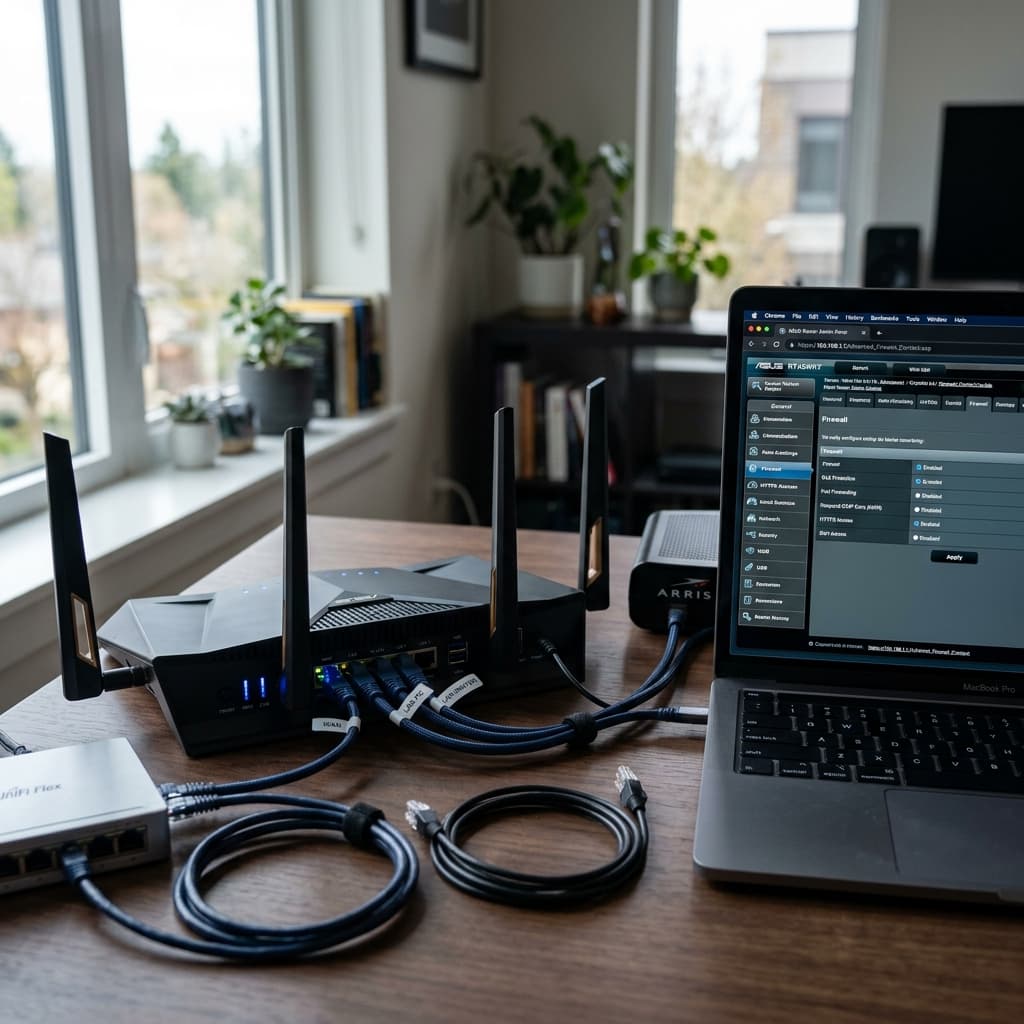
Many routers ship with features designed to make setup "easier," but these acts as wide-open windows for intruders. National security agencies like the NSA and CISA now mandate disabling these legacy features immediately.

The WPS (Wi-Fi Protected Setup) Trap WPS allows you to connect a device by pressing a button or entering an 8-digit PIN. The PIN method is a catastrophic security hole; it is validated in two 4-digit halves, meaning a hacker only needs to crack two sets of 10,000 combinations instead of 100 million. Brute-force tools can bypass your Wi-Fi password entirely using WPS in just minutes. Action: Disable WPS in your router's wireless settings immediately.

The UPnP (Universal Plug and Play) Risk UPnP allows devices like smart TVs or gaming consoles to automatically "punch holes" in your firewall to talk to the internet. The problem? UPnP has no authentication. If malware infects a cheap smart bulb or a guest's phone, it can use UPnP to quietly open a permanent backdoor, exposing your entire network to external attackers without any notification. Recent 2025-2026 exploits have shown that attackers actively scan for these open ports to deploy botnet payloads.

3. The SSID Broadcast Myth

A persistent myth in home security is that "hiding" your network name (SSID) makes you invisible to hackers. In 2026, this is not only false—it is technically counterproductive.

Measurable Costs of Hiding Your SSID Empirical studies and testing on modern iOS 17+ and Android 14+ devices have confirmed that hiding an SSID causes significant technical degradation:

  • Increased Latency: Hidden SSIDs increase client reconnection times by 410–680 ms per attempt, as your devices must "actively scan" for the network rather than just listening for it.
  • Privacy Exposure: When you hide your SSID, your phone has to constantly "shout" the name of your home network into the air to see if it’s nearby. This allows trackers in public places to identify your phone and know exactly where you live.
  • Battery Drain: Active scanning for a hidden network increases mobile radio power consumption by up to 16.3%.

The Verdict: Keep your SSID visible. True security comes from WPA3 encryption and a high-entropy passphrase of 16 characters or more, not from "security through obscurity".

4. 2026 Implementation Checklist

Step Recommendation Why It Matters
Encryption Enable WPA3-Personal (SAE) Stops offline dictionary attacks and adds Forward Secrecy.
Passphrase Use 16+ characters A string of 5-7 random words (e.g., CornFieldRocketBlueGuitar) is un-crackable by current AI tools.
SSID Rename & Broadcast Avoid model names (e.g., "Linksys_AX") to prevent vulnerability disclosure.
Protocol Disable WPS & UPnP Closes the two most common "easy-access" backdoors used by malware.
Maintenance Auto-Update Firmware Protects against critical 2025/2026 RCE (Remote Code Execution) vulnerabilities.

By implementing these standards, you transform your wireless environment from a vulnerable broadcast into a hardened, encrypted tunnel that meets the compliance and security needs of the modern home office.

Advertisement
Ad Block (5555555555)
CN

About CyberNest Expert

Our editorial team has over a decade of hands-on experience in cybersecurity research and vulnerability testing. We aim to provide unbiased, expert advice to help you navigate the digital landscape safely.

Advertisement
Ad Block (9999999999)