Step-by-Step Guide: Hardening Your Home Network Against 2026 Threats
In 2026, the office no longer has walls. For hackers, your home network is now the easiest entry point into both your corporate data and your personal bank accounts. Modern attackers are increasingly looking for systems that remain at factory defaults. This guide provides a structured approach to closing those gaps and securing your digital foundations.
Step 1: Reclaim Control of Your Router Control
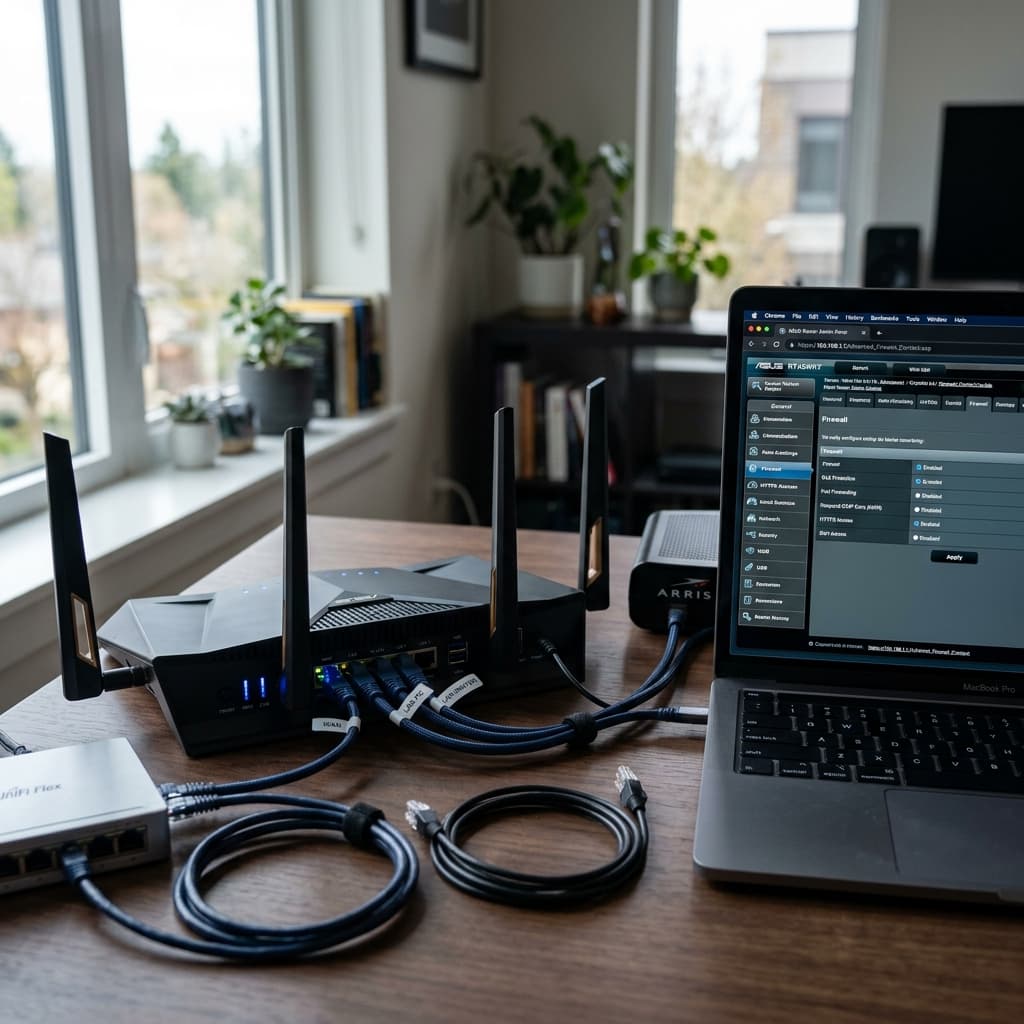
Your router is the brain of your home, and most successful attacks occur because it's left on factory settings. You must immediately perform a 'Double Password Swap.' Change both your Wi-Fi password and your Administrator password. For the admin login, avoid simple words and use a complex passphrase like 'TahitiBlueberryRocketShip'. This makes it almost impossible for automated AI tools to crack your gateway.
Step 2: Disable Convenience Voids (WPS and UPnP)
Manufacturers often enable features designed for easy setup that are actually massive security holes. WPS (Wi-Fi Protected Setup) and UPnP (Universal Plug and Play) should be disabled immediately. WPS is highly vulnerable to brute-force attacks, and UPnP allows malware to silently 'punch holes' in your firewall. By turning these off, you essentially close the windows that attackers use to sneak past your perimeter defenses.
Step 3: Update and Encrypt
Ensure your router firmware is set to update automatically. Severe flaws are discovered regularly, and a single unpatched vulnerability can grant a hacker full control of your network. Additionally, migrate your wireless encryption to WPA3-SAE. If your hardware was purchased after 2022, this should be an available option and is currently the gold standard for residential wireless security.
Step 4: Implement Network Isolation
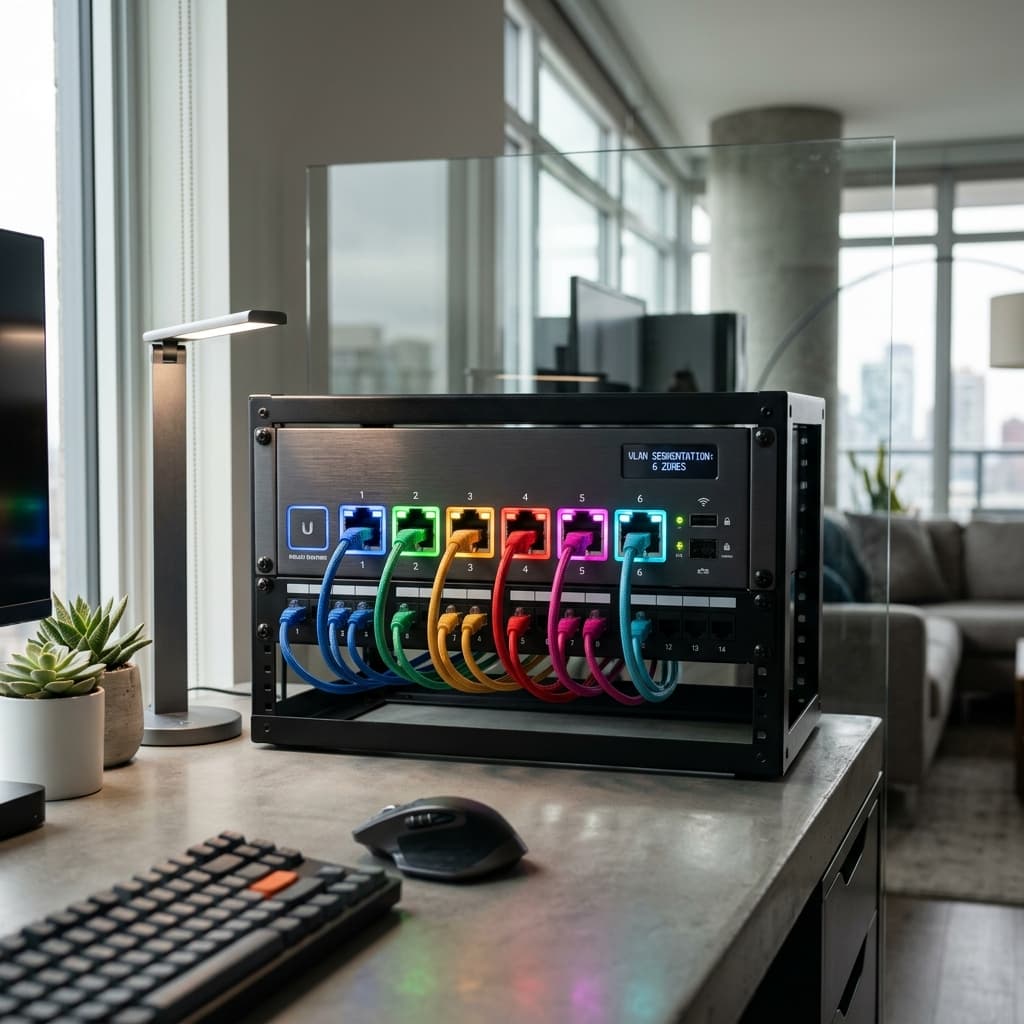
Never let an insecure smart bulb reside on the same network as your work laptop. Use your router's 'Guest Network' or 'VLAN' feature to isolate all IoT devices—cameras, vacuums, and smart appliances. This ensures that even if one of these devices is compromised, the attacker is trapped in a 'sandbox' and cannot see or attack your sensitive professional hardware.
Step 5: The Human Shield
With the rise of AI voice cloning, establish a secret family code word for any high-stakes or financial requests over the phone. Finally, configure your network-wide DNS to a protective provider like Quad9 (9.9.9.9). This blocks known malicious domains at the network level, preventing phishing sites and malware control servers from even loading on your devices.