The Power of Network Segmentation: Why Guest Wi-Fi Matters
In 2026, your Wi-Fi is no longer just for your computer. It's for your smart bulb, your smart fridge, and your guests' potentially infected devices. Most users don't realize that a basic home network is 'flat,' meaning every device can talk to every other device once it's past the password screen.
The IoT Security Nightmare
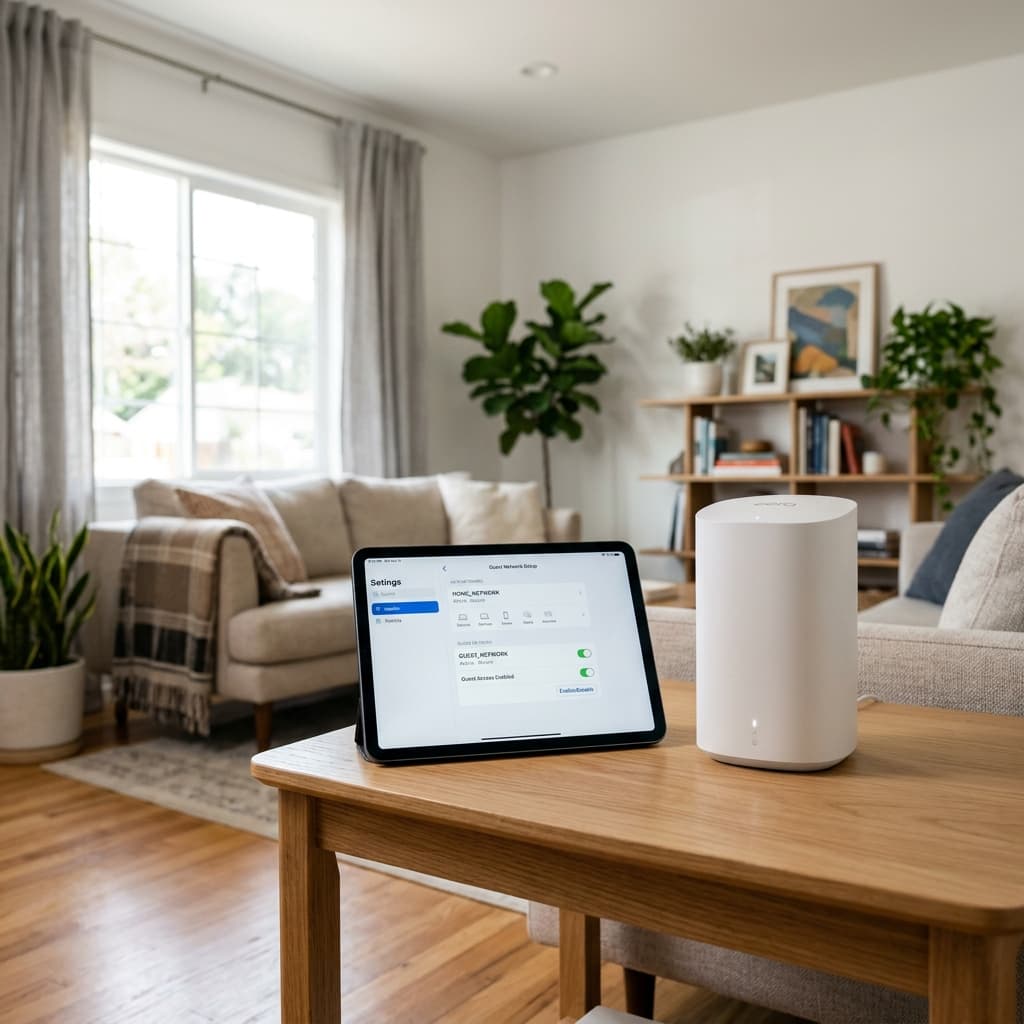
The reality is that most 'smart' home gadgets have virtually zero security. If a hacker manages to compromise a $15 smart light bulb, they can use that foothold to 'jump' across the network to your laptop. By enabling a dedicated Guest Network, you create a digital wall that prevents these insecure devices from even seeing your work machine.
Best Practice Configuration
We recommend a strict three-tier strategy for your home office. Your main network should be reserved exclusively for your professional hardware and primary personal devices. The Guest Network should house everything else—visitors, gaming consoles, and Every IoT device you own. Finally, always ensure your guest network has its own unique, complex passphrase to prevent it from becoming an easy back door into your home.